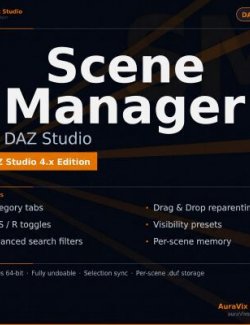
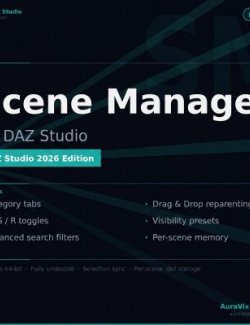
Scene Manager – The professional outliner DAZ Studio always needed
Take full control of complex, crowded scenes. Find, organize, toggle visibility and render anything – fast.
Why you'll love it
- Stop scrolling, start finding – Powerful filters: type:light, poly > 100000, is:hidden, tag:hero, note:fix and more.
- One look, total control – Per-node toggles for Viewport (V), Selectability (S) and Render visibility (R). Bulk actions included.
- Your scene, your way – Create custom group tabs, drag & drop reparenting and reordering, color-code nodes, add searchable tags and notes.
- It remembers everything – All your colors, tags, notes, groups, order and visibility presets are saved inside the .duf file.
- Works like the native Scene pane – Familiar workflow with F2 rename, selection sync and full undo support.
Key Features
- Smart category tabs (Characters, Lighting, Cameras, Props, Render Settings, Other)
- Custom groups with drag & drop support across tabs
- Advanced combinable search filters
- Visibility presets (save & switch with one click)
- Inline rename, keyboard shortcuts, bulk actions
- Fully theme-aware UI with custom pane icon
- Everything saved per-scene inside the .duf file
Perfect for artists working with large multi-character scenes, complex environments, lighting setups and anyone tired of fighting the default Scene pane.
System requirements: DAZ Studio 4.x + 6; Windows 10/11